
Do the AI zombie trend with two photos.
One of you has turned. The other can't pull the trigger. Upload two photos and get your own zombie trend video: the standoff, the embrace and the warm memory, ready for TikTok, Reels and Shorts.
- 15-second video
- Couples, family & pets
- No prompt needed
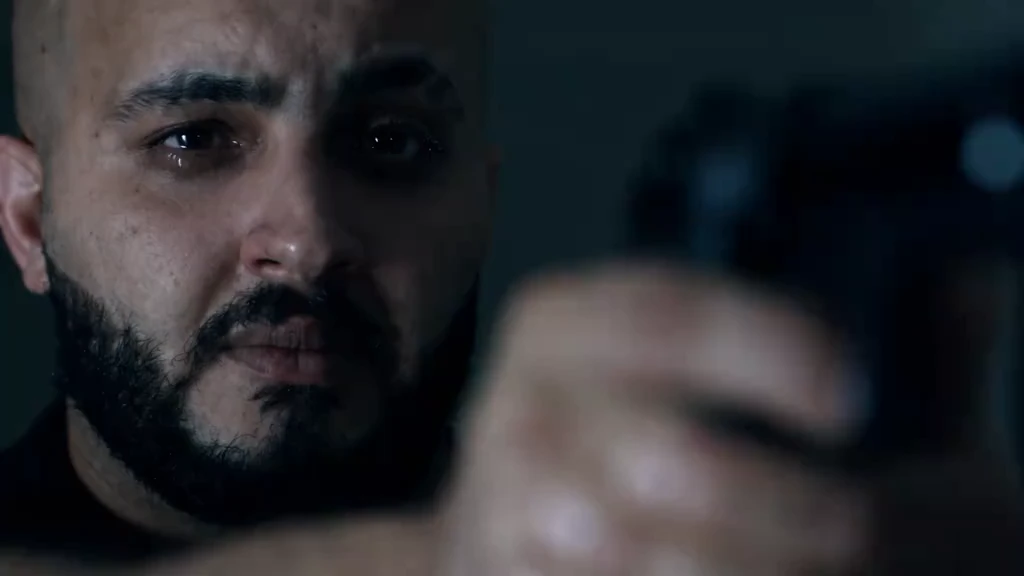
Sample stories. Yours will star the people in your photos.
What Is the Zombie Trend?
The zombie trend (also called the AI zombie trend, zombie love story or zombie hug trend) is a short AI video format that took off on TikTok and Instagram Reels in late September 2026. Two ordinary photos become a tiny apocalypse film: one person has turned into a zombie, the other raises a gun but can't fire, lowers it and opens their arms, and the embrace cuts to a happy memory of the two of them. It's a story, not a filter, and it works for couples, best friends, parents and pets.
Who Turns in Your Zombie Love Story?
The trend started with couples, but it works for anyone you'd refuse to shoot. Tap Use to start from the same story.
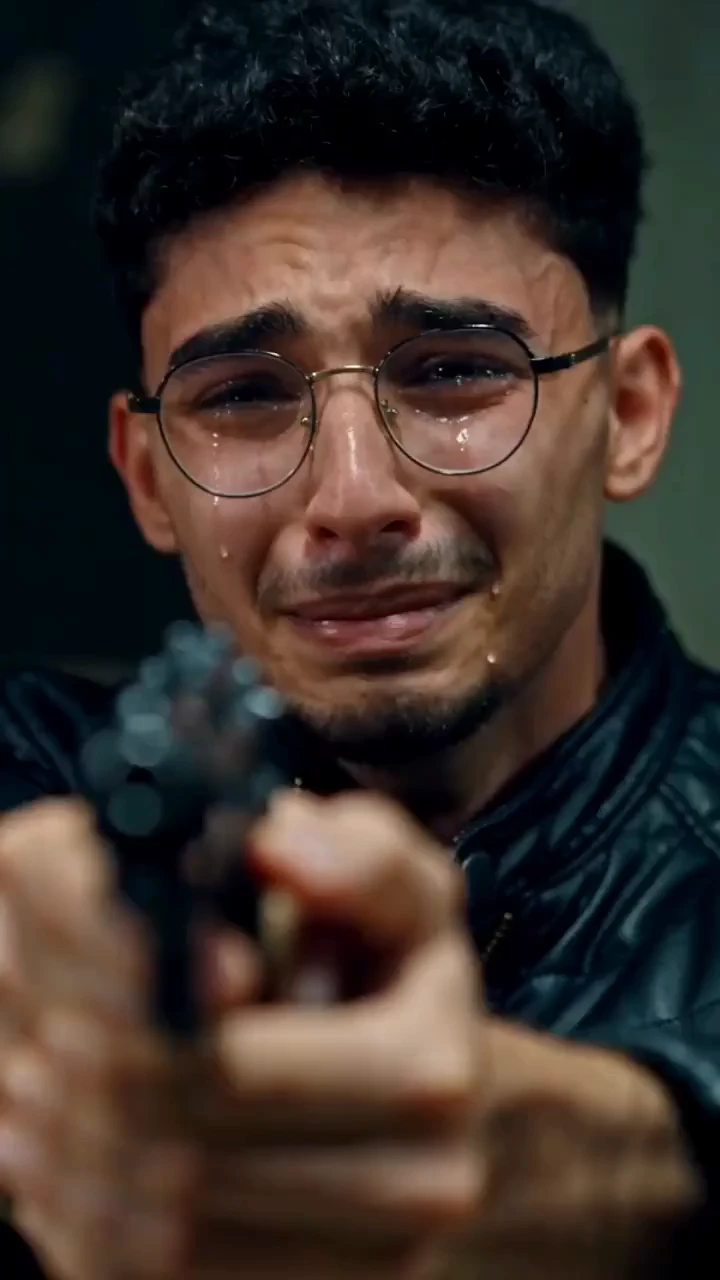
Zombie Girlfriend or Boyfriend
The original version of the trend. Your partner turns, you lower the gun, and the memory feels like your best date.
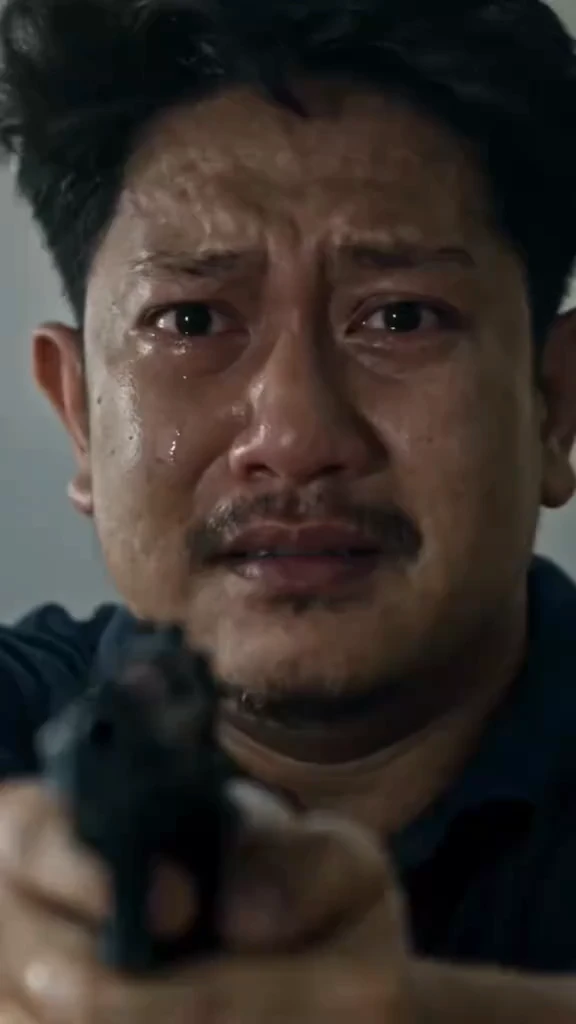
Zombie Husband or Wife
A favorite for anniversary and Halloween posts. Years together, one impossible choice, one easy answer.
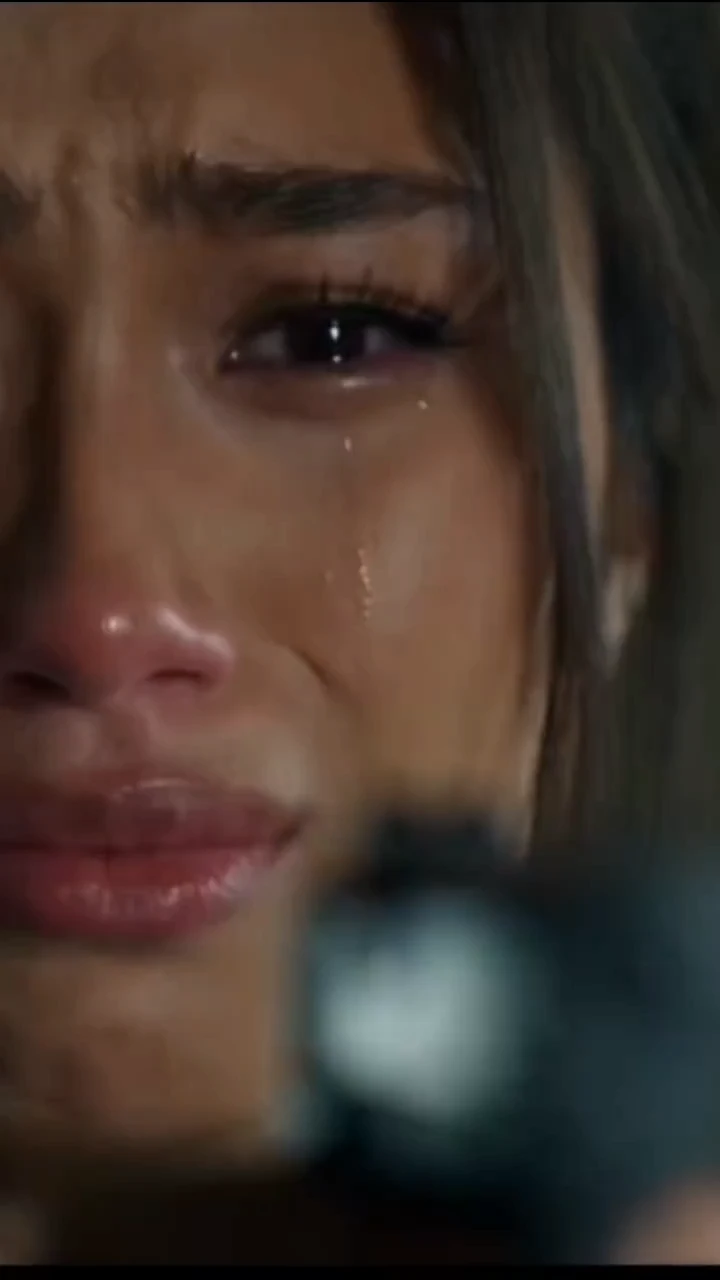
Zombie Dog
Same story, more tears. Your dog turns, you can't do it, and they run to you anyway.
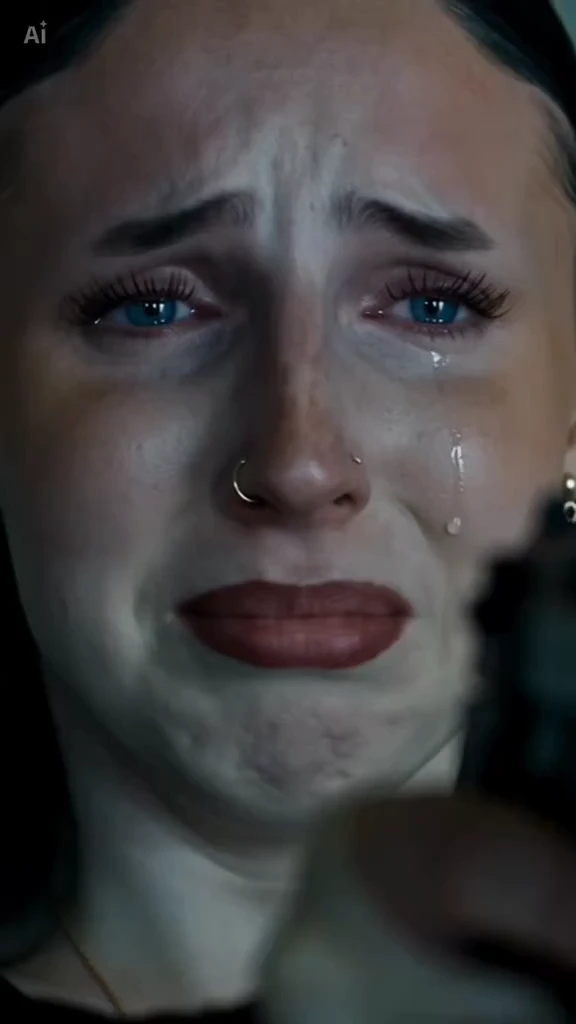
Zombie Boyfriend
Same story, roles flipped. He's the one who turns, and she's the one who can't pull the trigger.
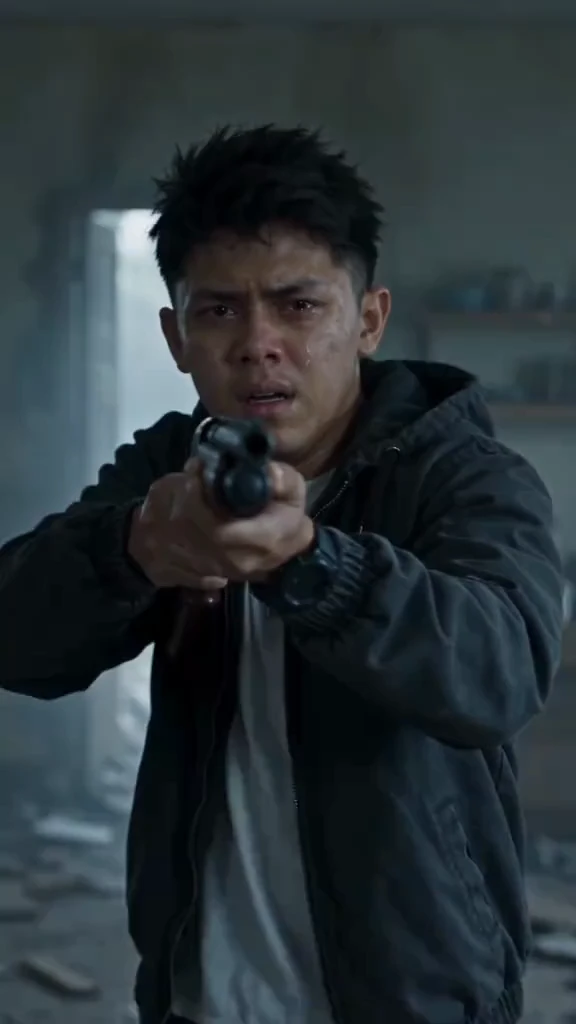
Zombie Wife
She turns, he breaks. The gun comes down, the hug comes fast and the memory hits even harder.
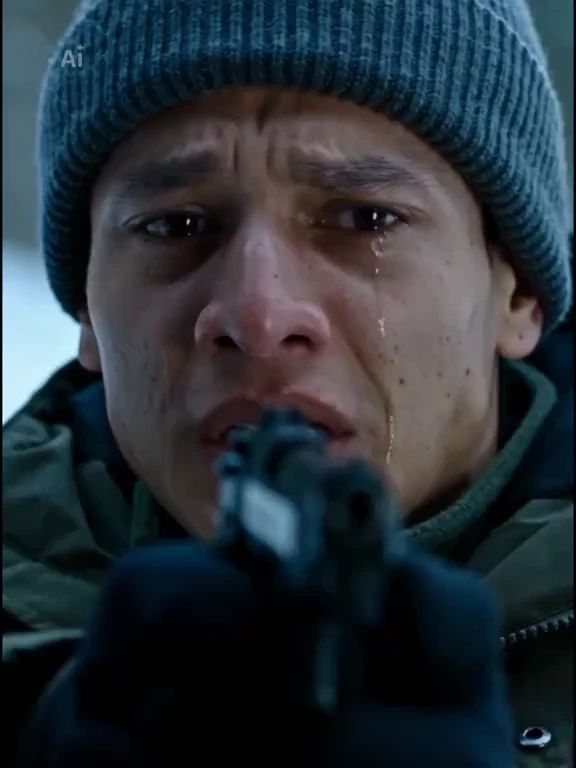
Zombie Girlfriend
The cold, quiet version. He drops the gun on the floor before she even reaches him.
How to Do the Zombie Trend in 3 Steps
No prompt writing, no CapCut timeline, no editing skills.
Upload Two Photos
Photo 1 is the one who turns: your partner, family member, best friend, dog or cat. Photo 2 is you, and a selfie is fine.
Pick Who Turns and a Format
Choose partner, family, best friend or pet, then go 9:16 for TikTok, Reels and Shorts or 16:9 for a wider cut.
Download and Post
Your AI zombie video is ready in a few minutes. Download the MP4, add a sad sound in TikTok and post it.
Why Make Your Zombie Trend Video Here
Built for this one trend, so you get the story right the first time.
No Prompt Needed
The zombie love story prompt is built in. You only bring the photos.
Faces Stay Recognizable
Tuned for identity consistency, so your partner still looks like your partner, even as a zombie.
A Real Match Cut
The hug-to-memory transition is planned into every video, not glued on afterwards.
Made for TikTok and Reels
Vertical 9:16 by default, with 16:9 when you want a wider cinematic cut.
Zombie, Not Gore
Pale skin and clouded eyes, never blood or bites. Safe to post and share with family.
Your Photos Stay Private
Uploads are only used to make your video and are never shown as public examples.
Zombie Trend FAQ
Everything people ask before making their AI zombie video.
The zombie trend is a viral AI video format where one person in a photo has turned into a zombie and the other can't bring themselves to shoot. They lower the gun, embrace, and the video cuts to a warm memory of the two of them. It spread on TikTok, Instagram Reels and YouTube Shorts from late September 2026.
Pick who turns into the zombie, then upload two photos: theirs first, then yours. Choose 9:16 or 16:9 and click generate. The prompt, story beats and match cut are built in, so you don't need to write a prompt or edit clips in CapCut.
Not really. The trend is a story between two people, so you need one clear photo of each. A selfie is fine for the survivor. If you only have a couple photo, crop it into two separate portraits first.
Yes. Choose Pet and use your pet as Photo 1. It becomes the zombie, then the memory scene shows it healthy and happy with you. Pick a photo where the whole face and both eyes are visible.
Most viral zombie videos were made with ByteDance's Seedance model through CapCut or Dreamina, with some creators using Kling or Veo. This site runs Seedance with the zombie trend story already set up, so you get the result without writing prompts or stitching clips yourself.
Creating an account is free. Each video costs credits based on resolution, and the exact amount is shown on the generate button before you start. You can top up with a one-time credit pack on the pricing page.
Most videos are ready in a few minutes, a bit longer at peak times. Each AI zombie video is about 15 seconds, which fits TikTok, Reels and Shorts without trimming.
Usually it's Photo 1. Zombie makeup makes that face the hardest one to keep, so small faces, side angles, sunglasses, heavy filters or warm evening light make the AI lose the identity. Use a sharp, front-facing daylight portrait and generate again.
No. The zombie look is pale skin, clouded eyes and torn clothes. There's no blood, no bite and no injury, so the video stays emotional rather than scary.
There's no single official sound. Your video comes with a soft piano score and ambient sound, and many creators swap in a trending sad sound inside TikTok or Instagram, which also helps the post get picked up by that sound's feed.
Only photos you have the right to use, such as yourself, your partner with their consent, or your own pet. Don't upload photos of children or public figures. Your uploads are only used to generate your video and are not shown publicly.
Your Zombie Trend Video Is Two Photos Away
Someone turns, you can't shoot, and the memory says the rest. Upload your photos and make your zombie hug video in a few minutes.